
Operational Visibility
Keep entertainment information accessible across the group.
The Pushworth Live Booking Portal brings your entire entertainment program together in one central location.
Whether you manage one venue or multiple locations, Pushworth Live provides one source of truth for your live entertainment operation.
Portal access is provided securely through your nominated email address.
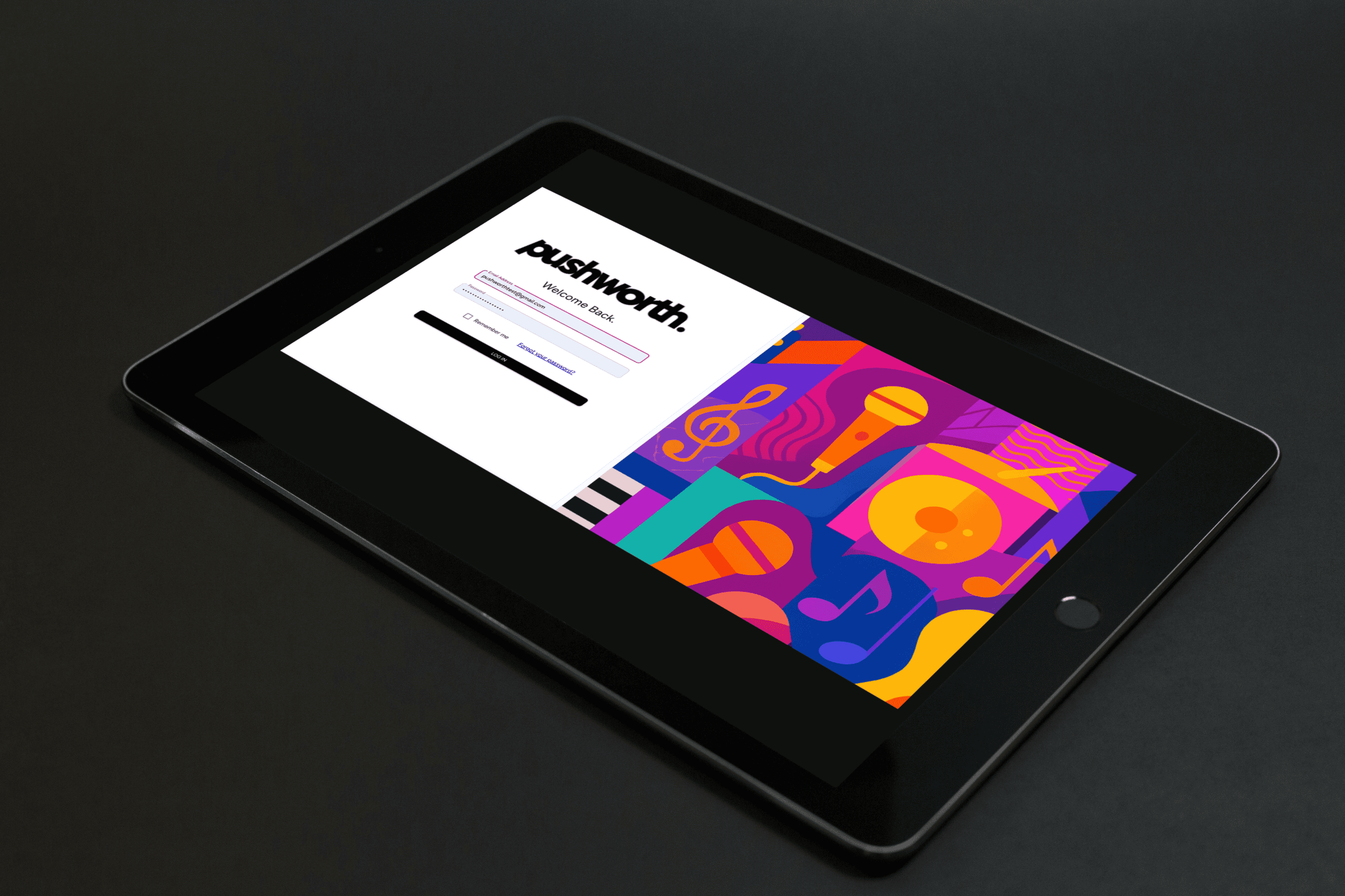
Open the Portal invitation sent by Pushworth.
Enter the temporary password supplied to you.
Create and confirm your own secure password.
Review and accept the Terms and Conditions.
Consider setting up a generic email address for your venue team rather than connecting Portal access to one individual staff member.
Authorised managers and team members can use the nominated venue login, making staff changes and shared access easier to manage, with no additional user cost.
Google Chrome and Apple Safari.
Desktop, laptop or tablet. Mobile is suitable for quick reference and simple updates.
If you have not accessed the Portal for more than 30 days, you will be asked to sign in again and re-accept the current Terms and Conditions.
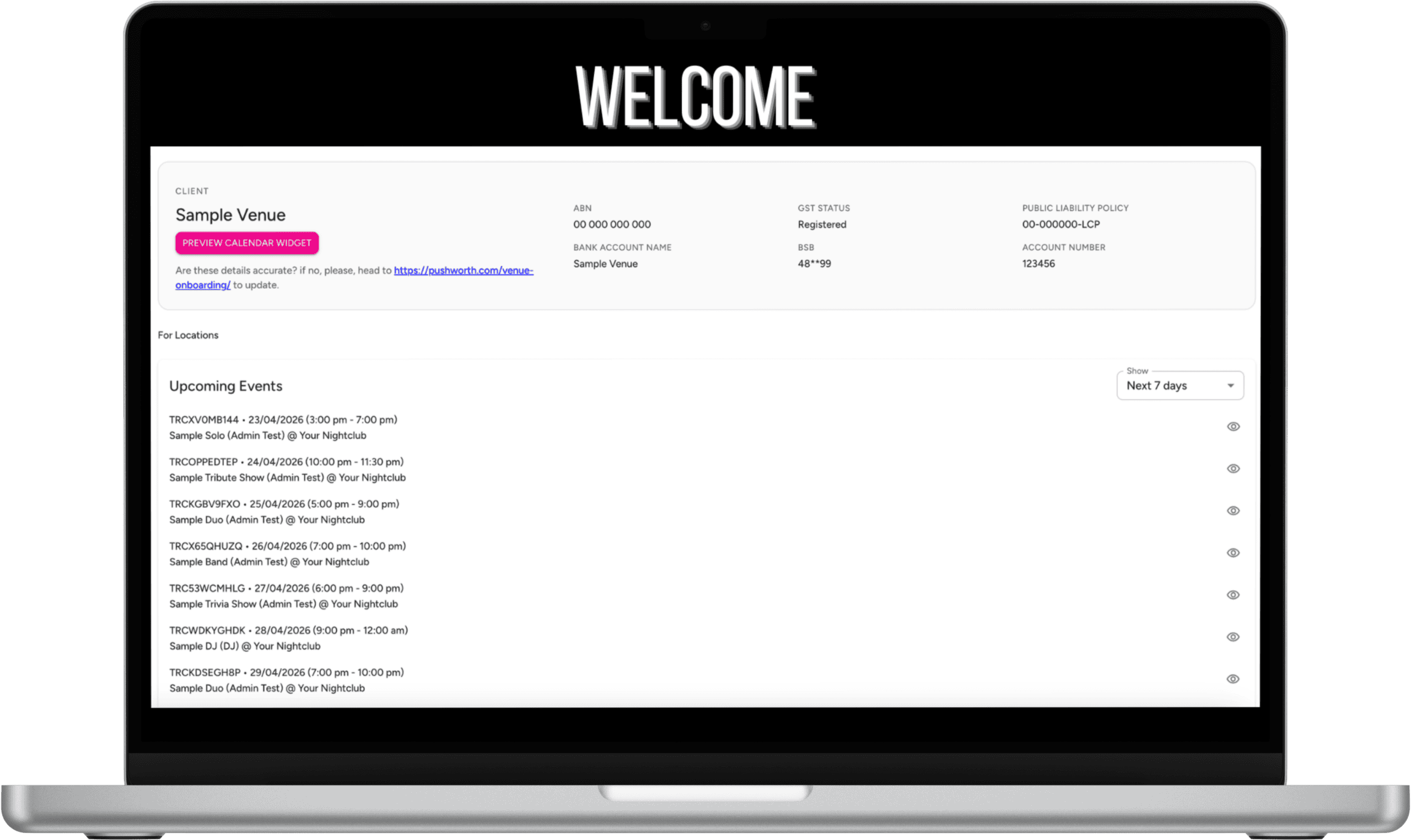
The Dashboard gives you an immediate overview of your venue's entertainment operation.
Head Office and venue managers can quickly see what is happening across the entertainment program without maintaining separate spreadsheets and calendars.
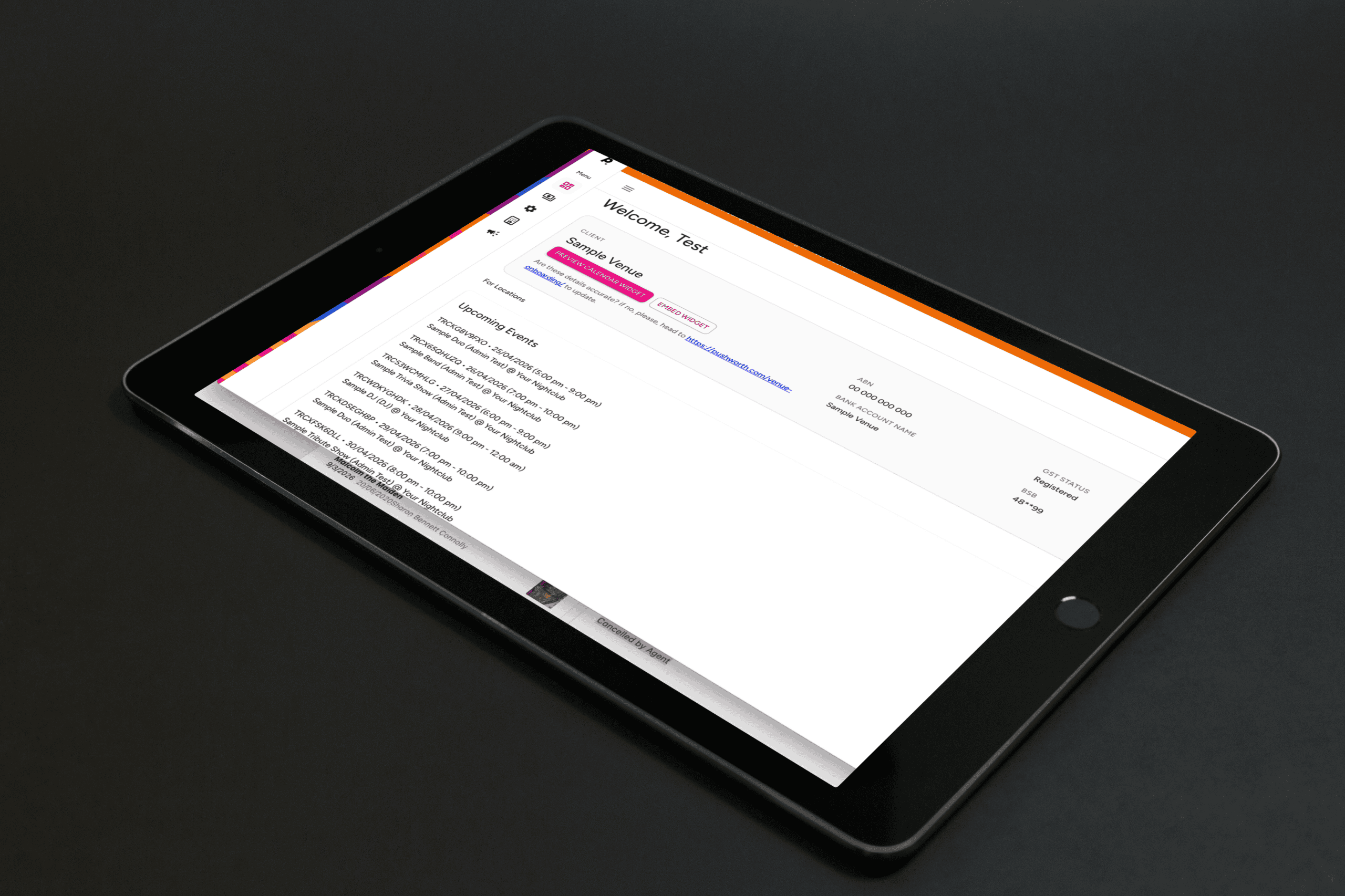
Head Office and management teams can review entertainment activity, compliance and operational information across participating venues.
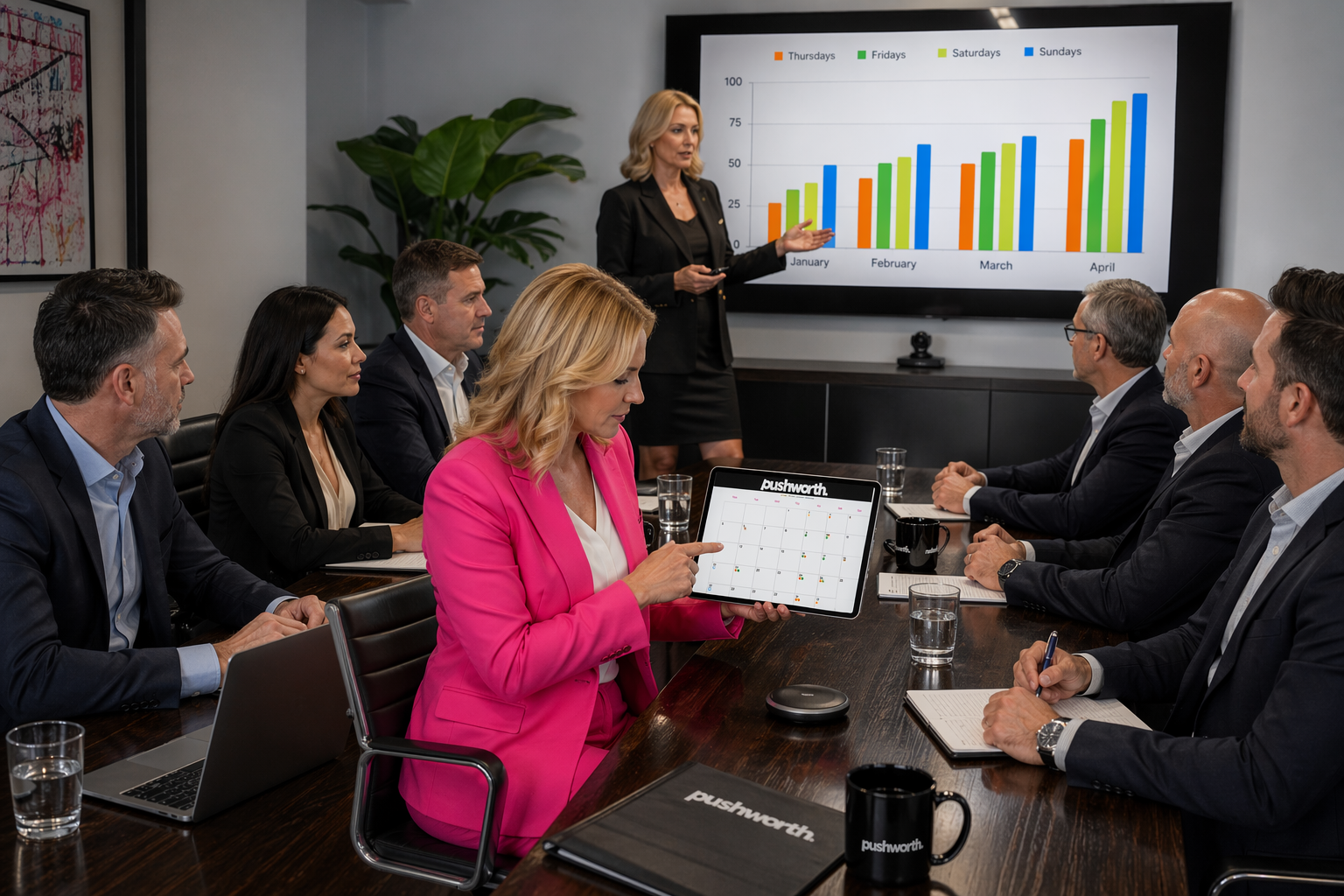
Keep entertainment information accessible across the group.
Maintain visibility over key venue and supplier requirements.
Give Head Office one operating view of live entertainment activity.
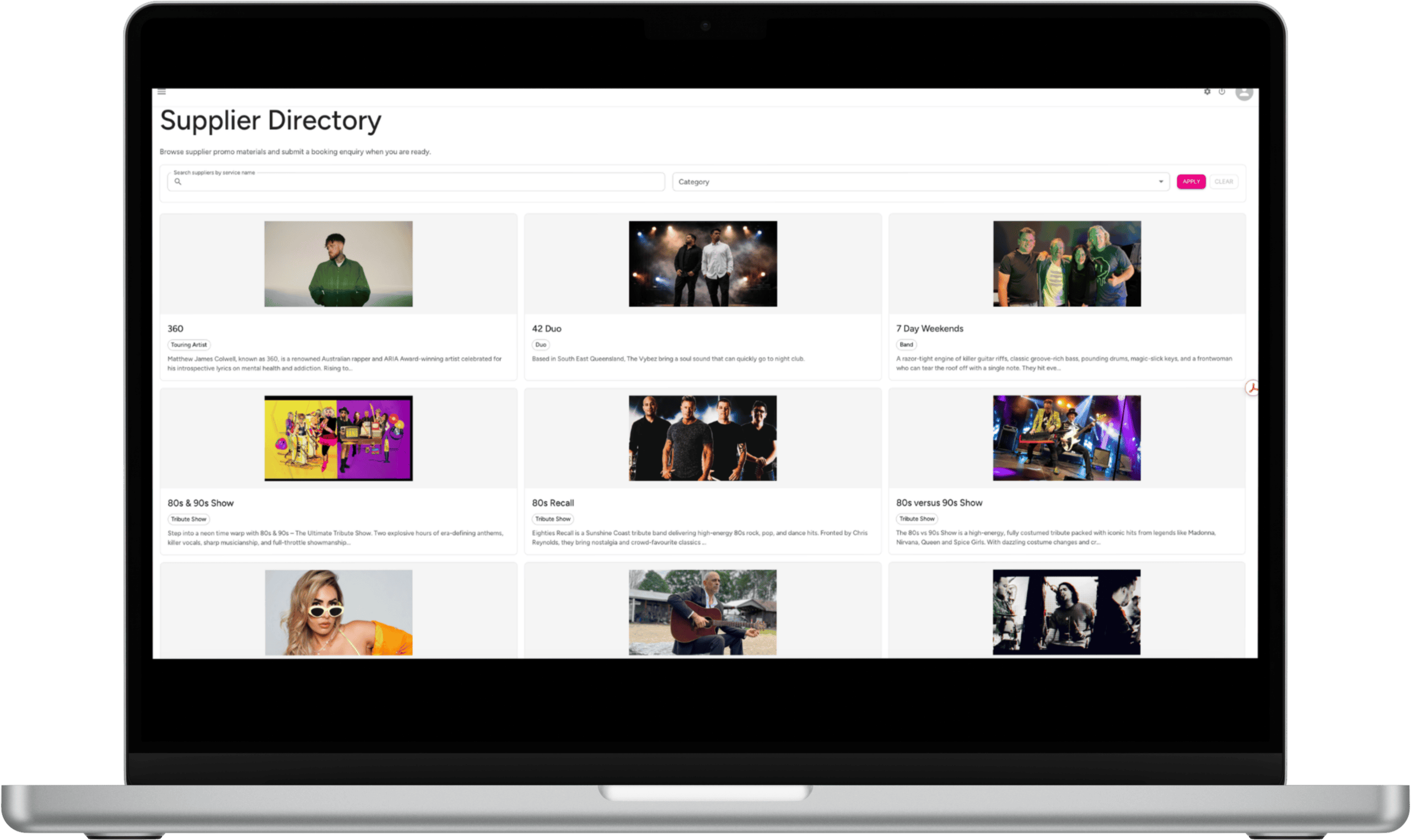
Browse Pushworth artists and submit booking requests directly through the Portal.
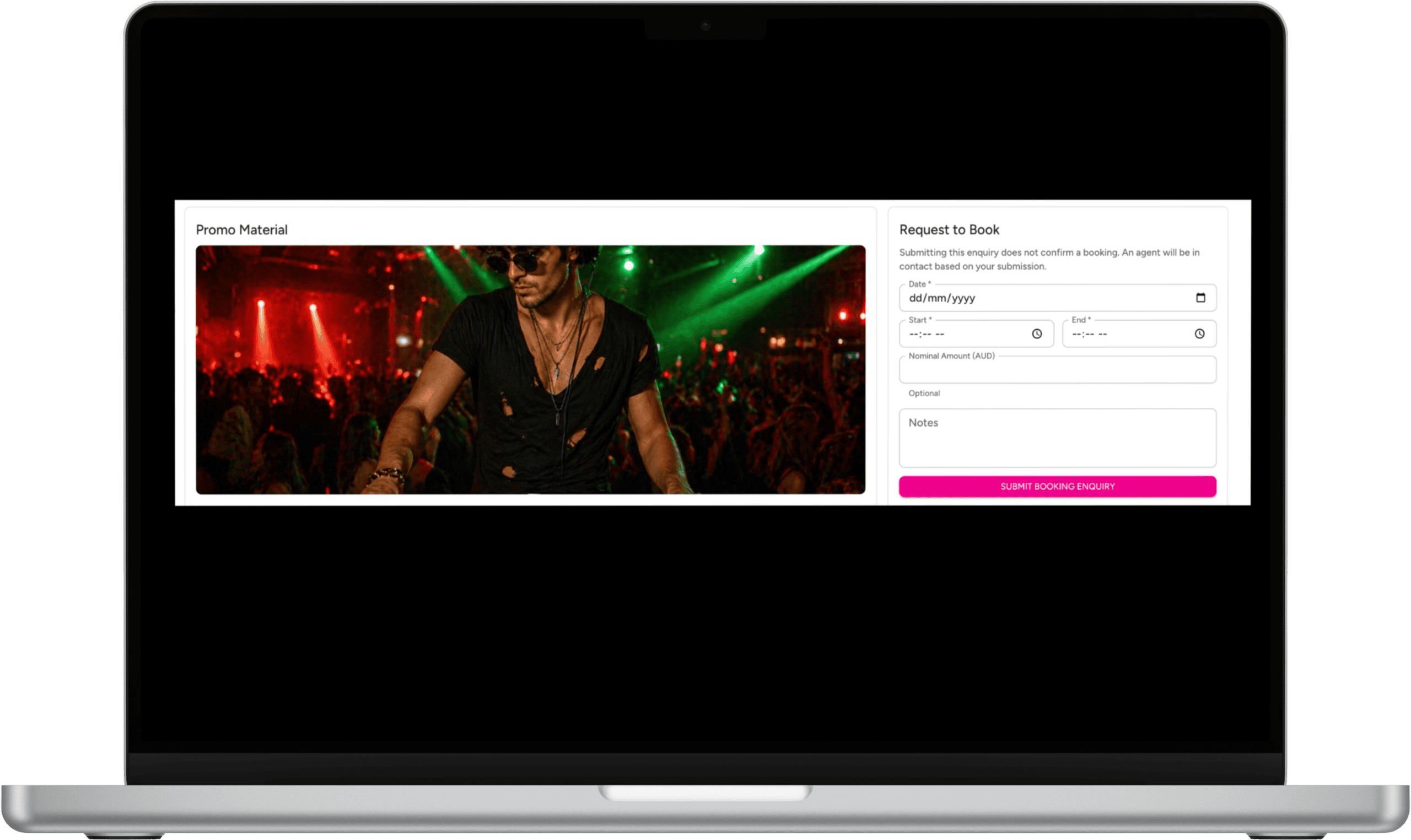
Submit a booking enquiry directly through the artist profile. The request does not confirm the booking. A Pushworth agent will contact you regarding availability and booking details.
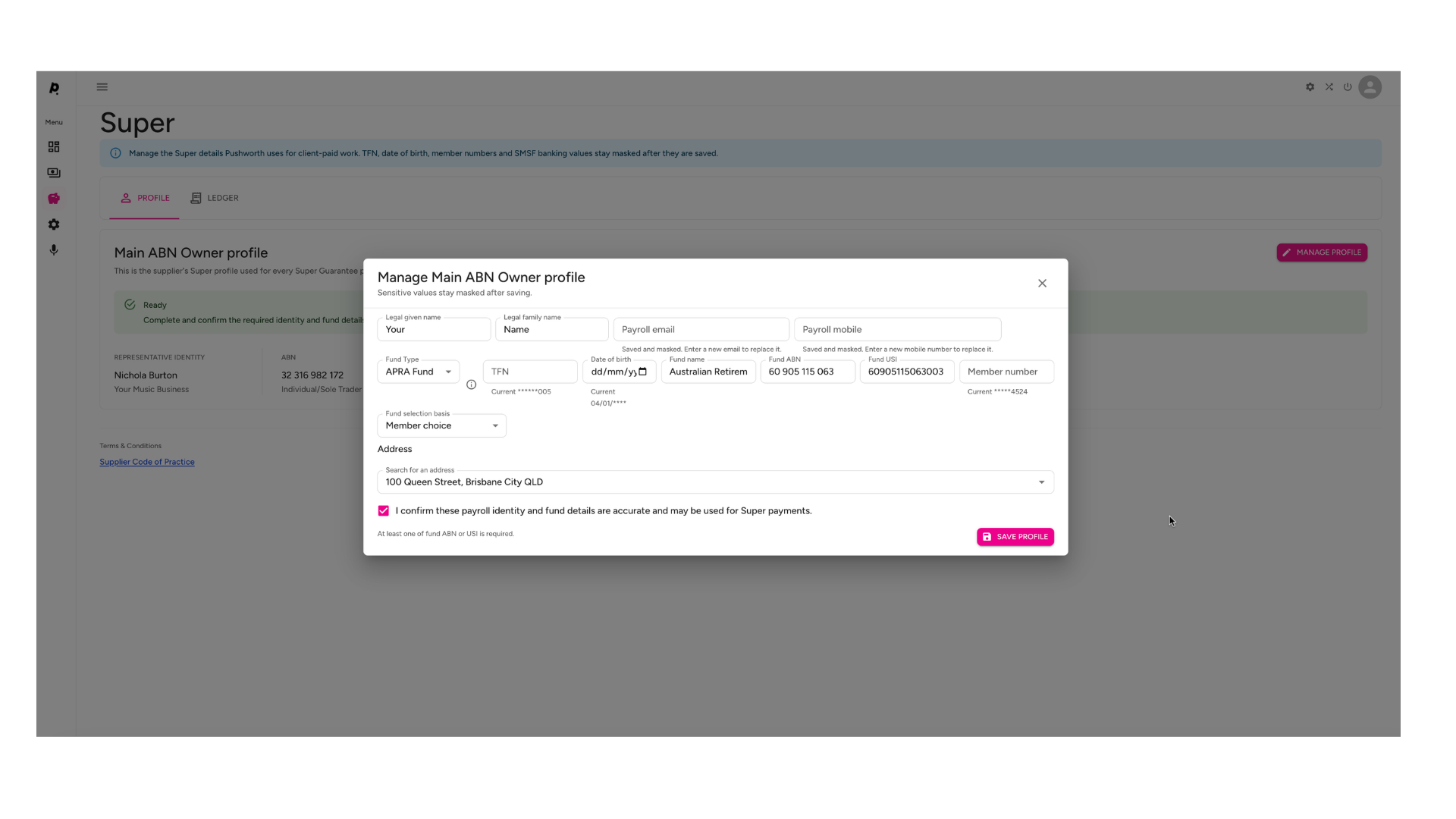
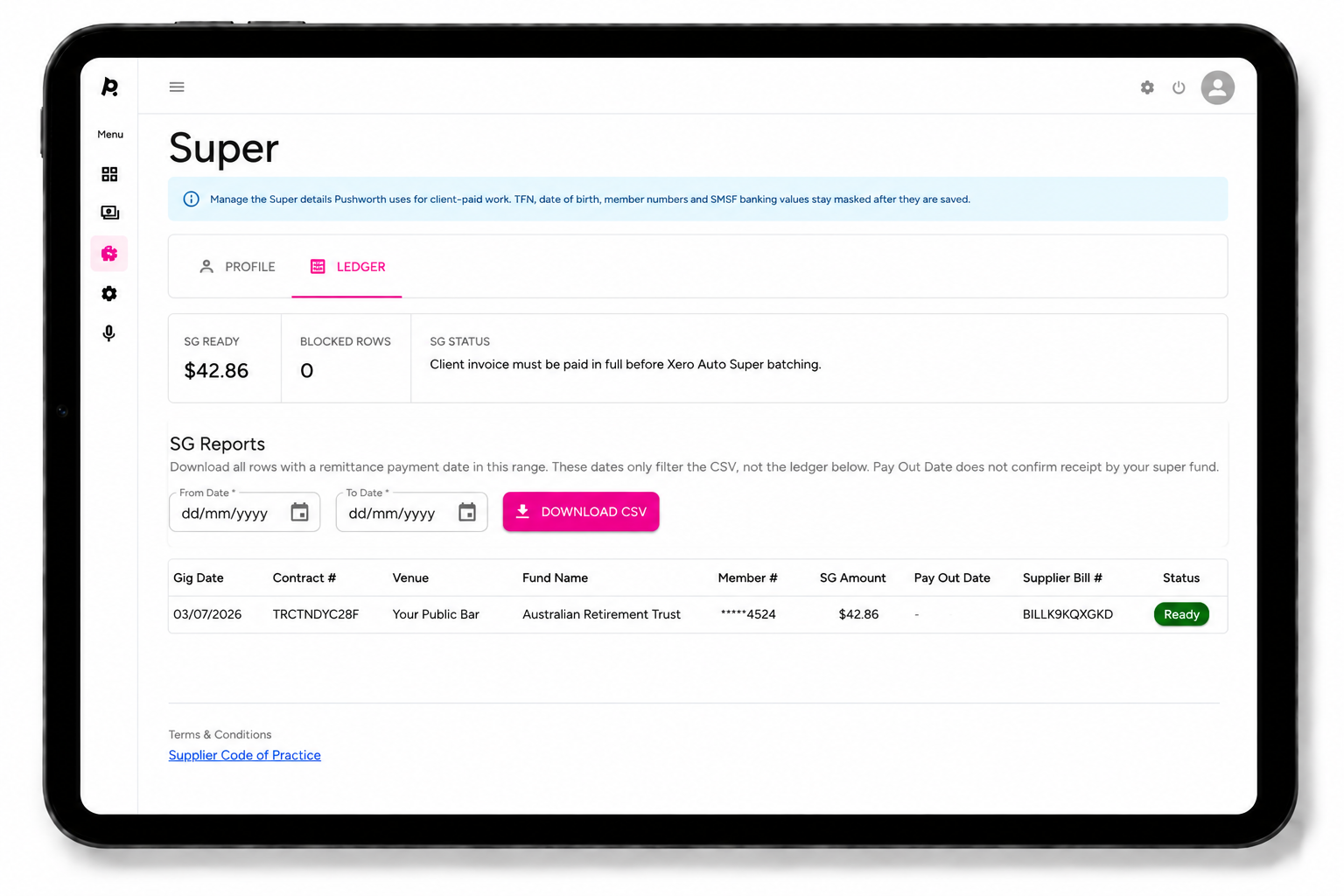
Once appointed, Pushworth will handle applicable SG obligations for Sole Trader entertainment services on your behalf.
Contracts will show the SG payable for each applicable Sole Trader performance, giving your venue clear visibility over the entertainment fee and associated SG provision.
Each bar, room or performance area within your venue can have its own calendar, helping your team overview and manage the complete entertainment program.
Each location calendar defaults to the current month and provides instant visibility over your venue's live entertainment schedule.
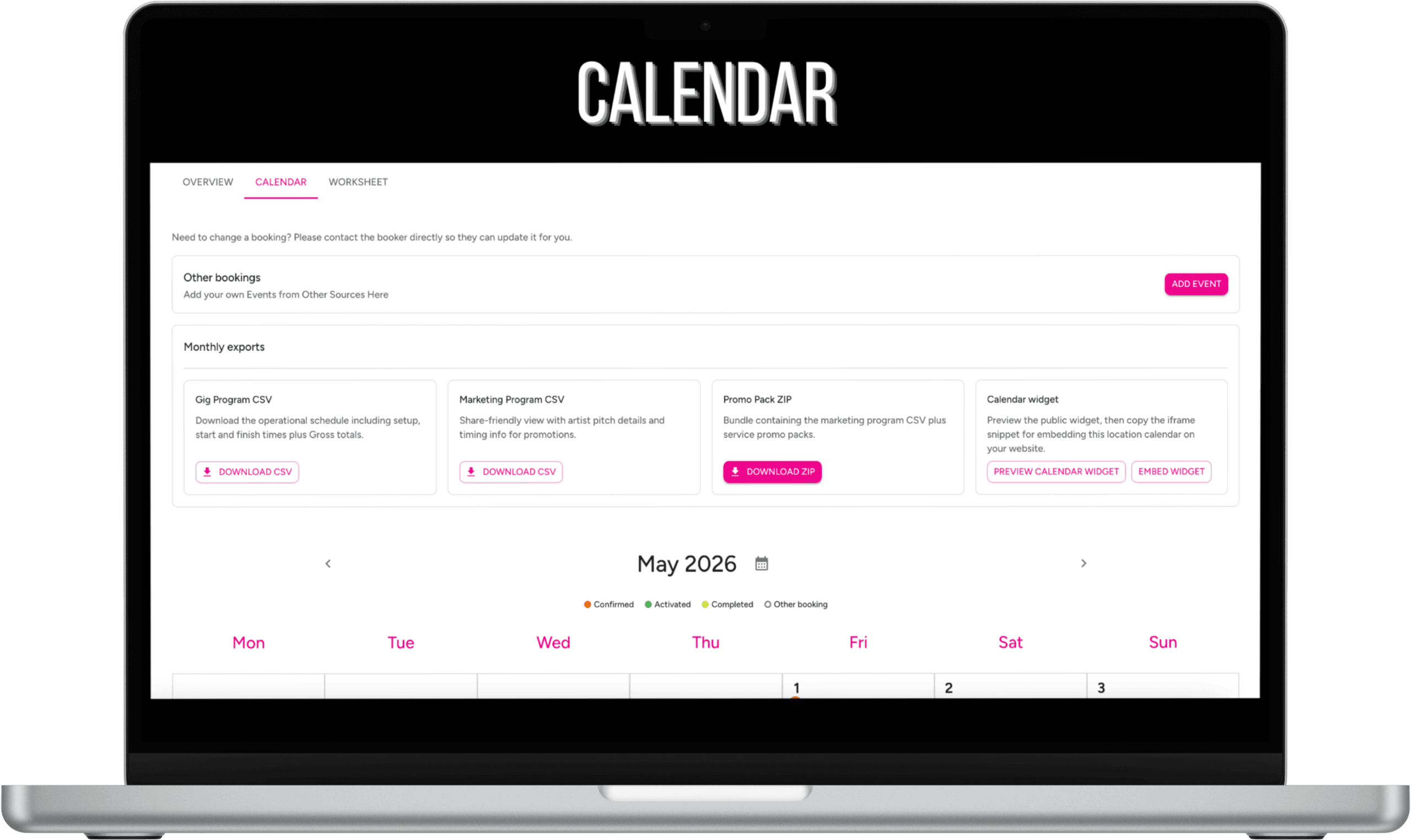
Where you do not require Pushworth to manage the applicable SG obligations, you can add externally sourced entertainment to your Portal calendar.
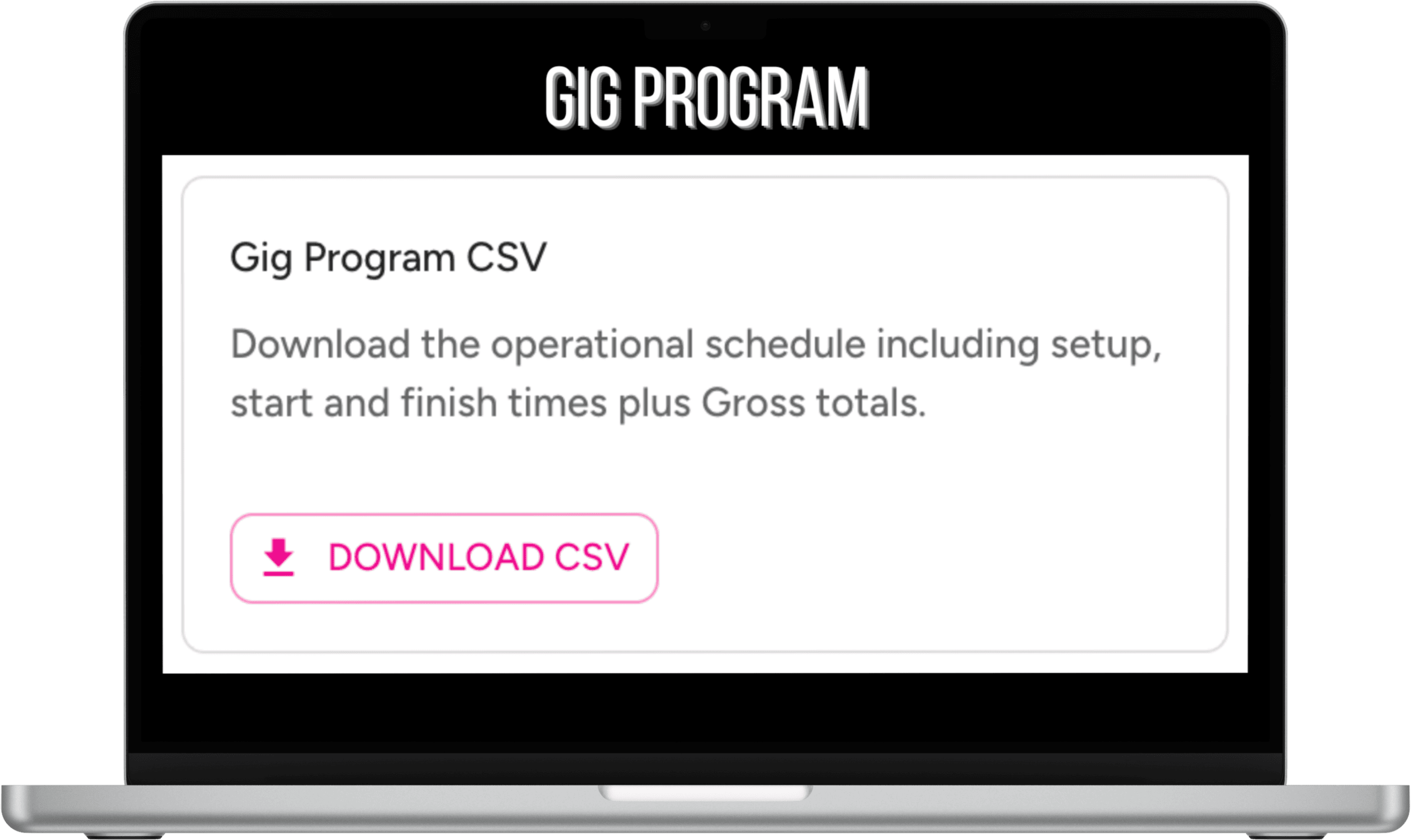
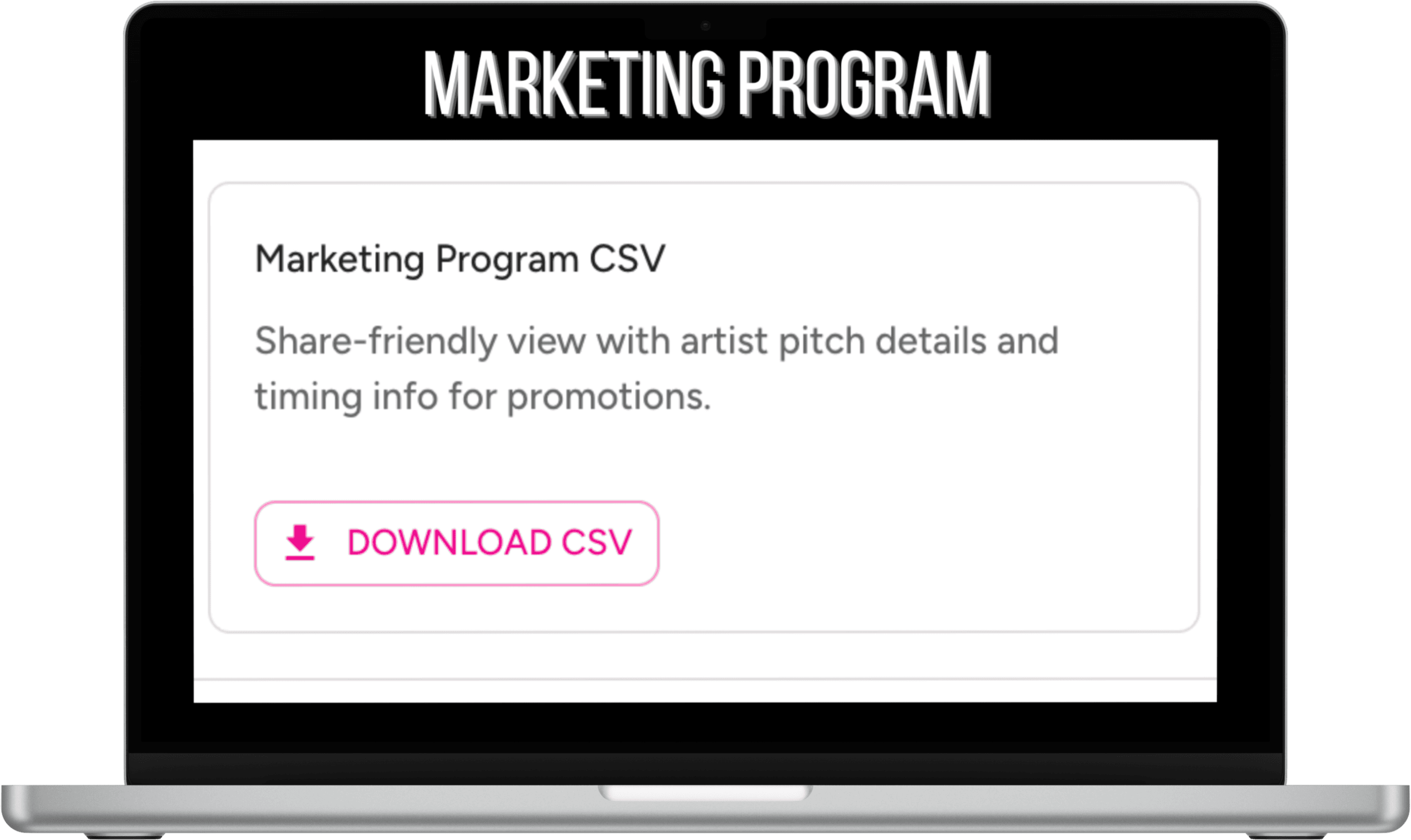
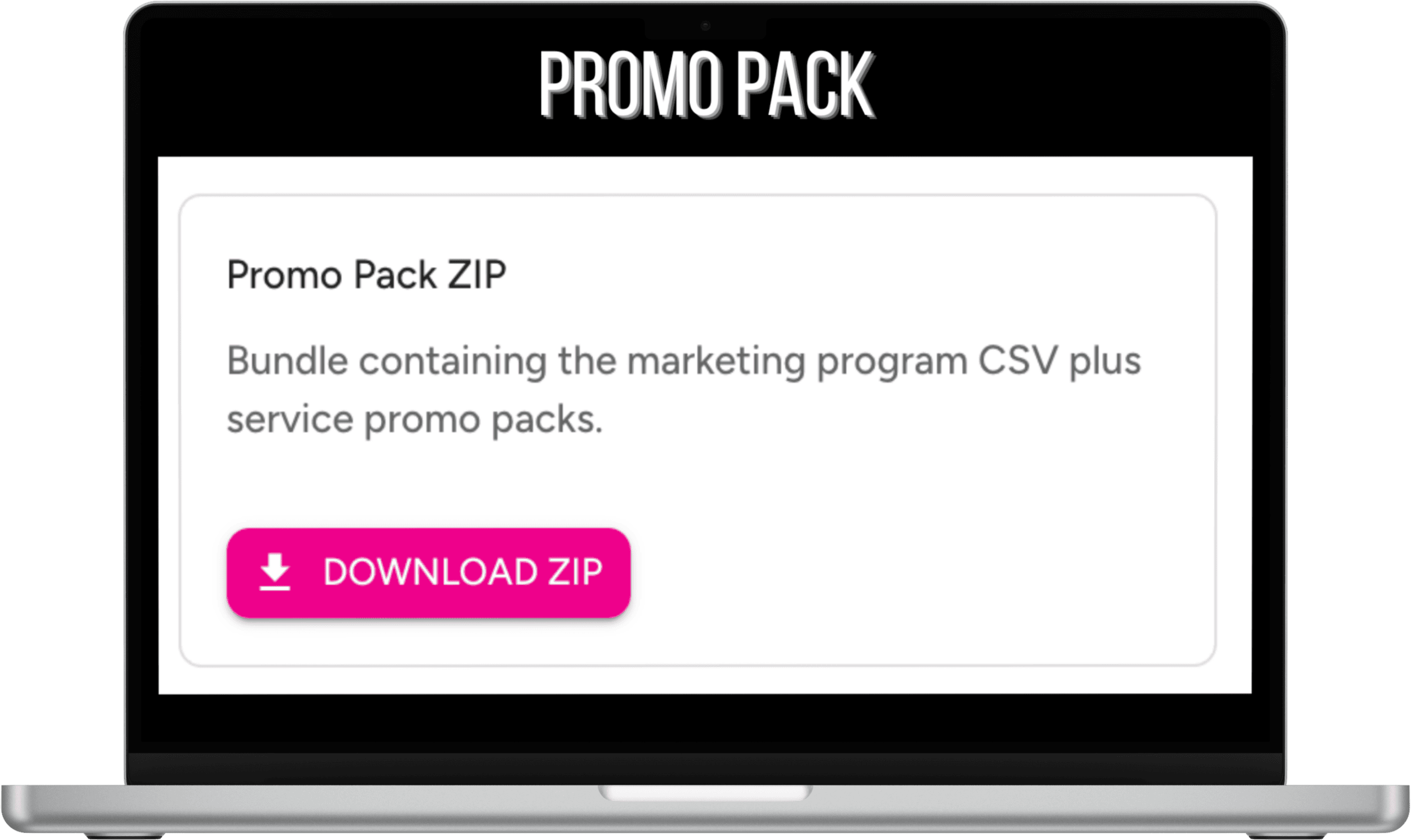
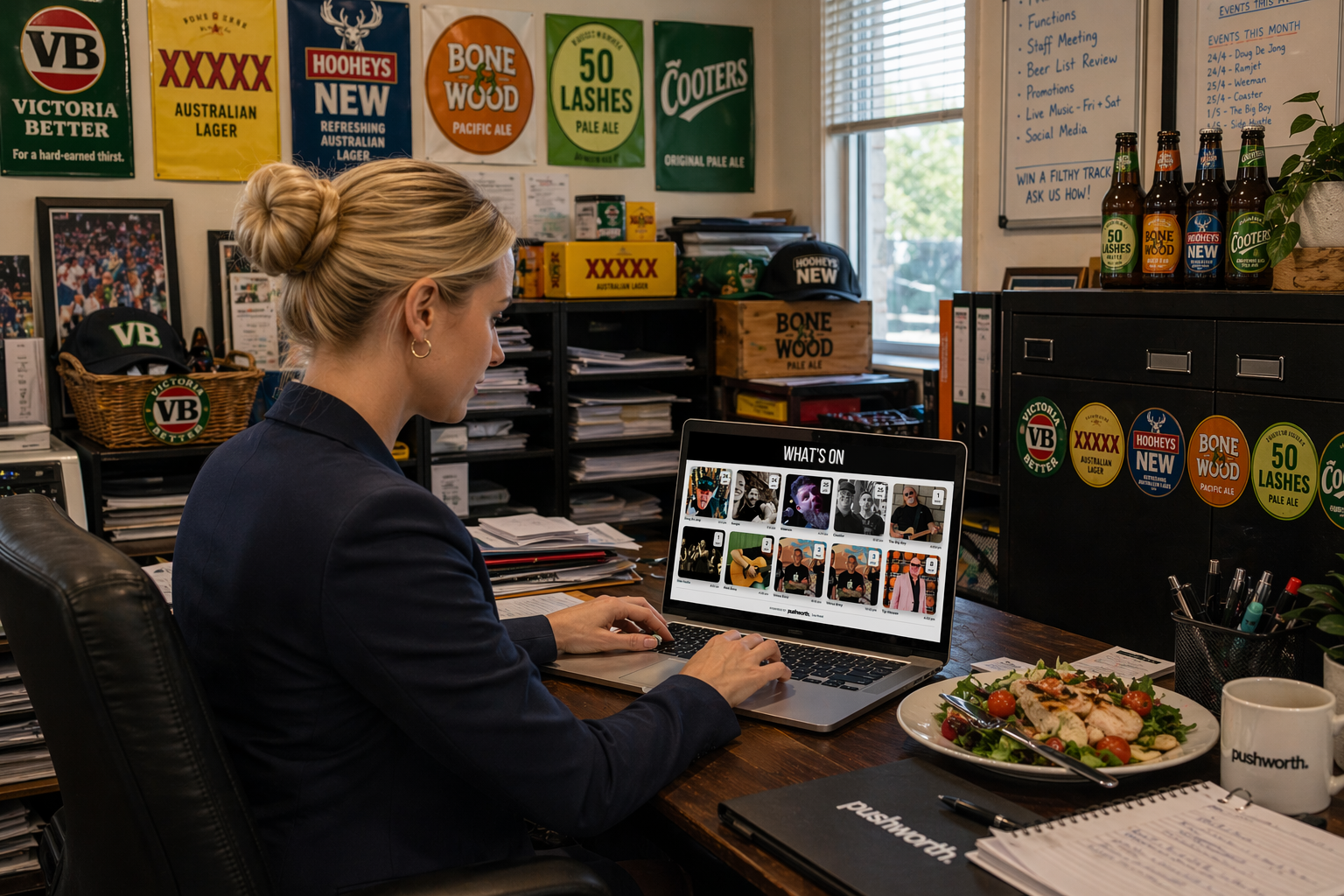
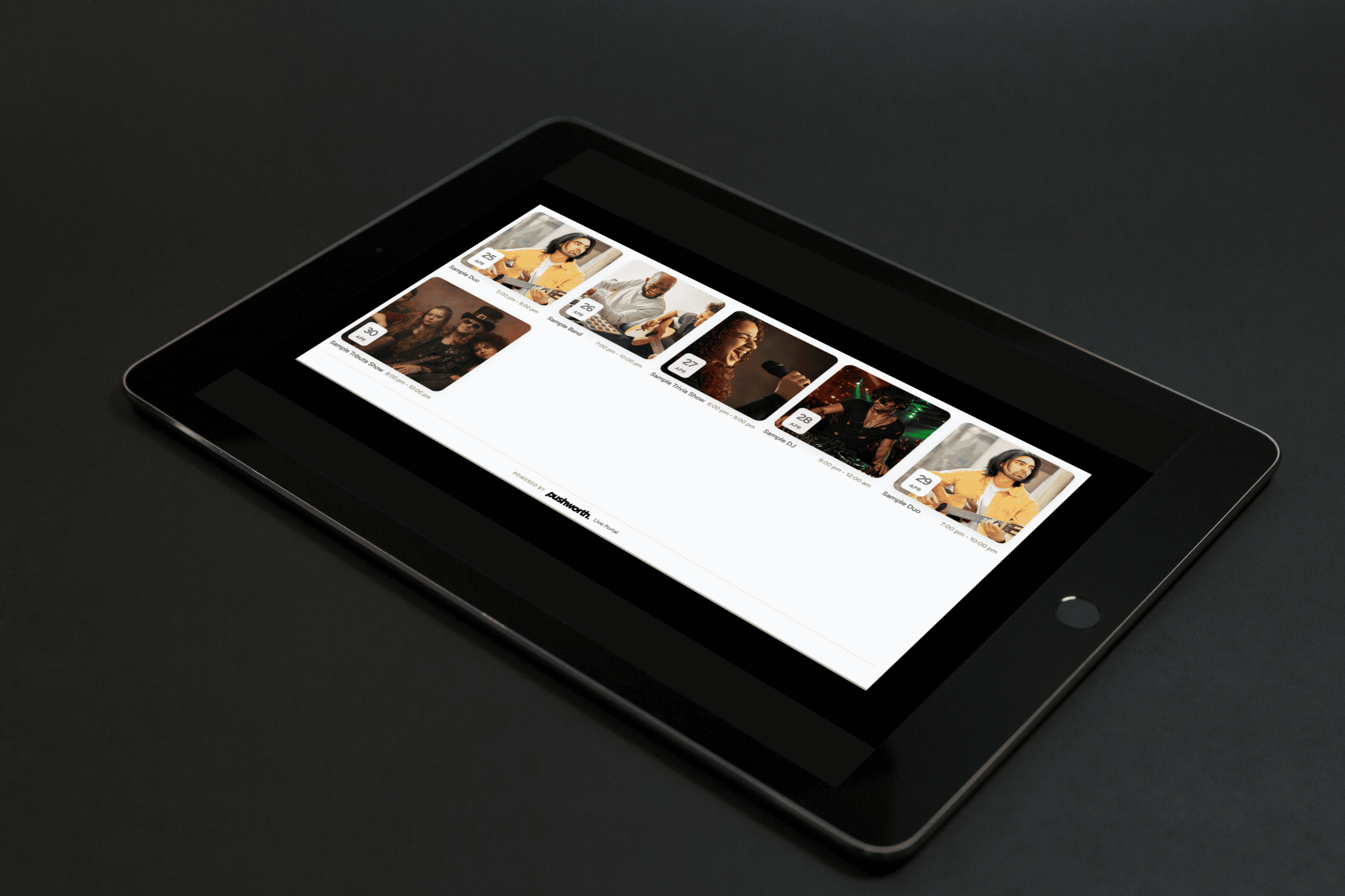
Preview your public calendar widget from the Venue Calendar and copy the supplied embed code into your website.
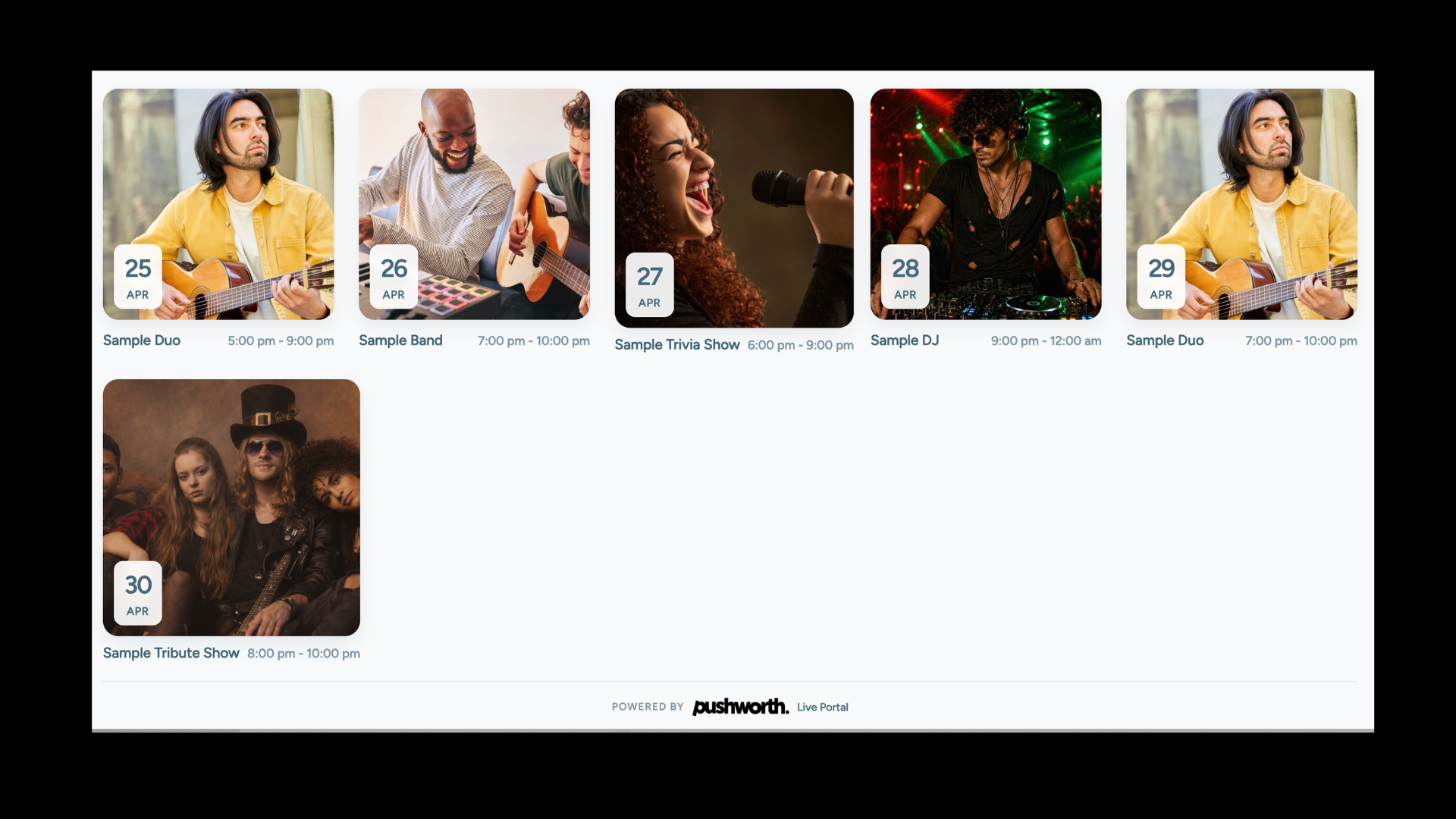
Once installed, the widget automatically displays applicable Pushworth Portal bookings as the entertainment program changes.
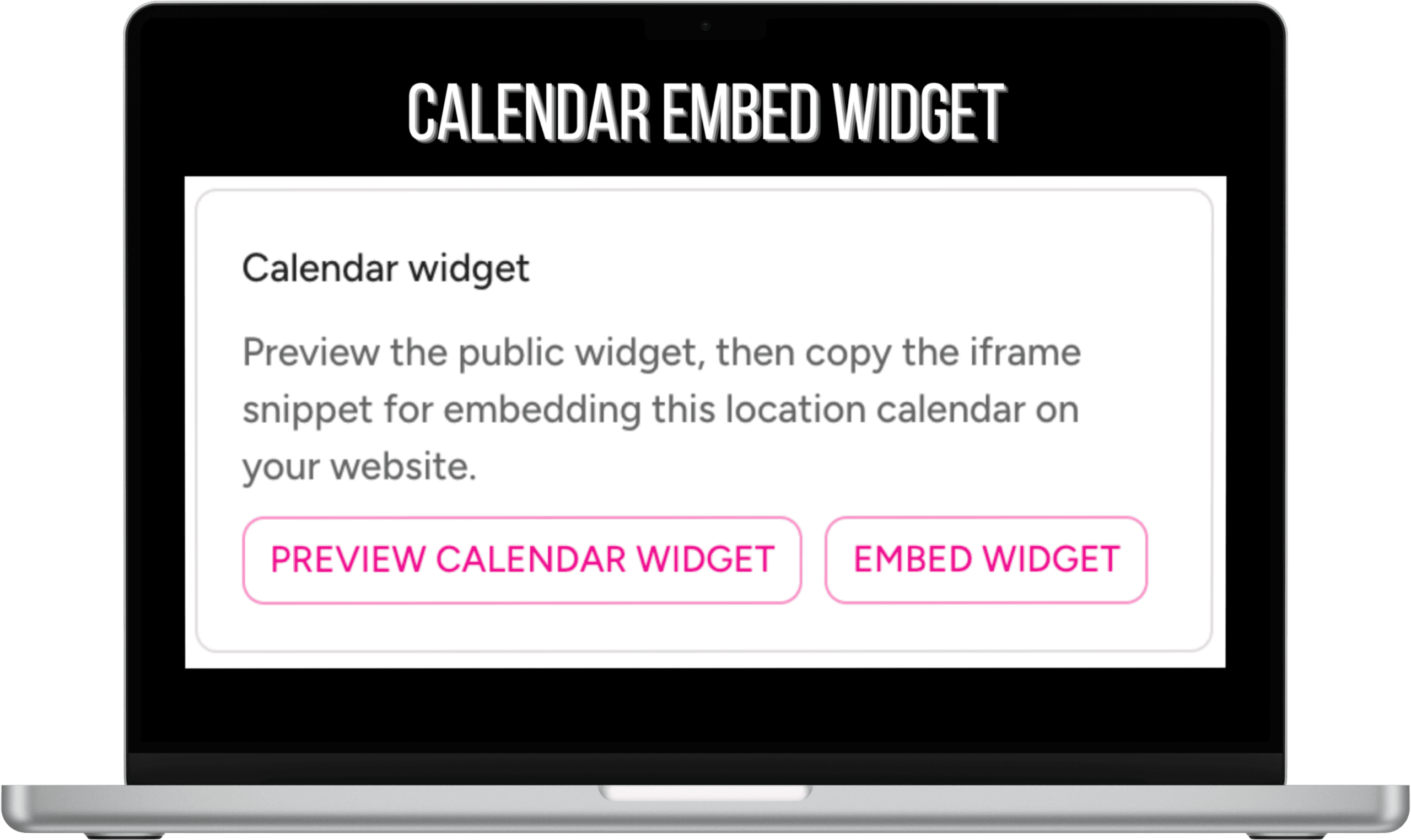
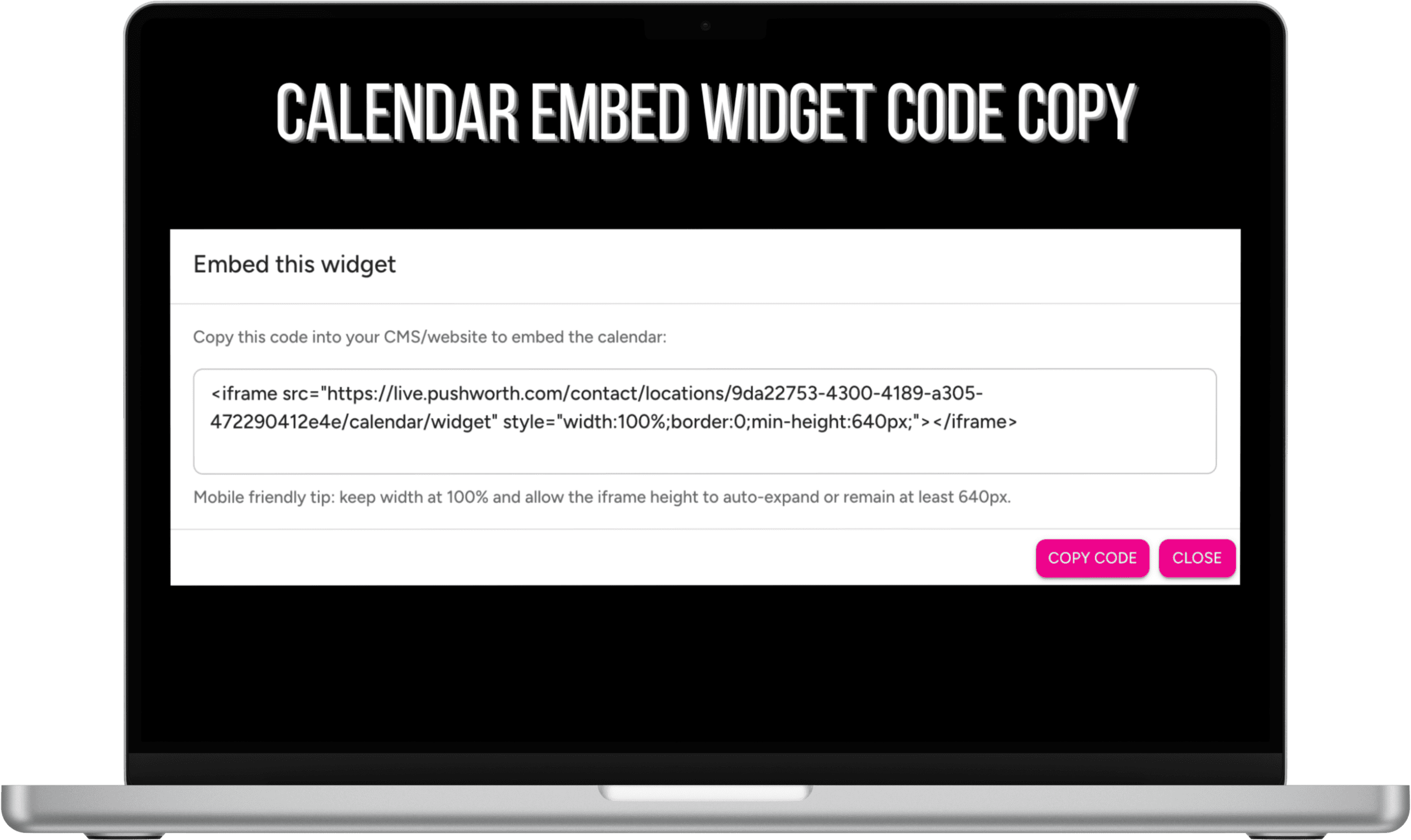
Only artists booked through the Pushworth Portal will automatically appear in the What’s On Calendar Widget.
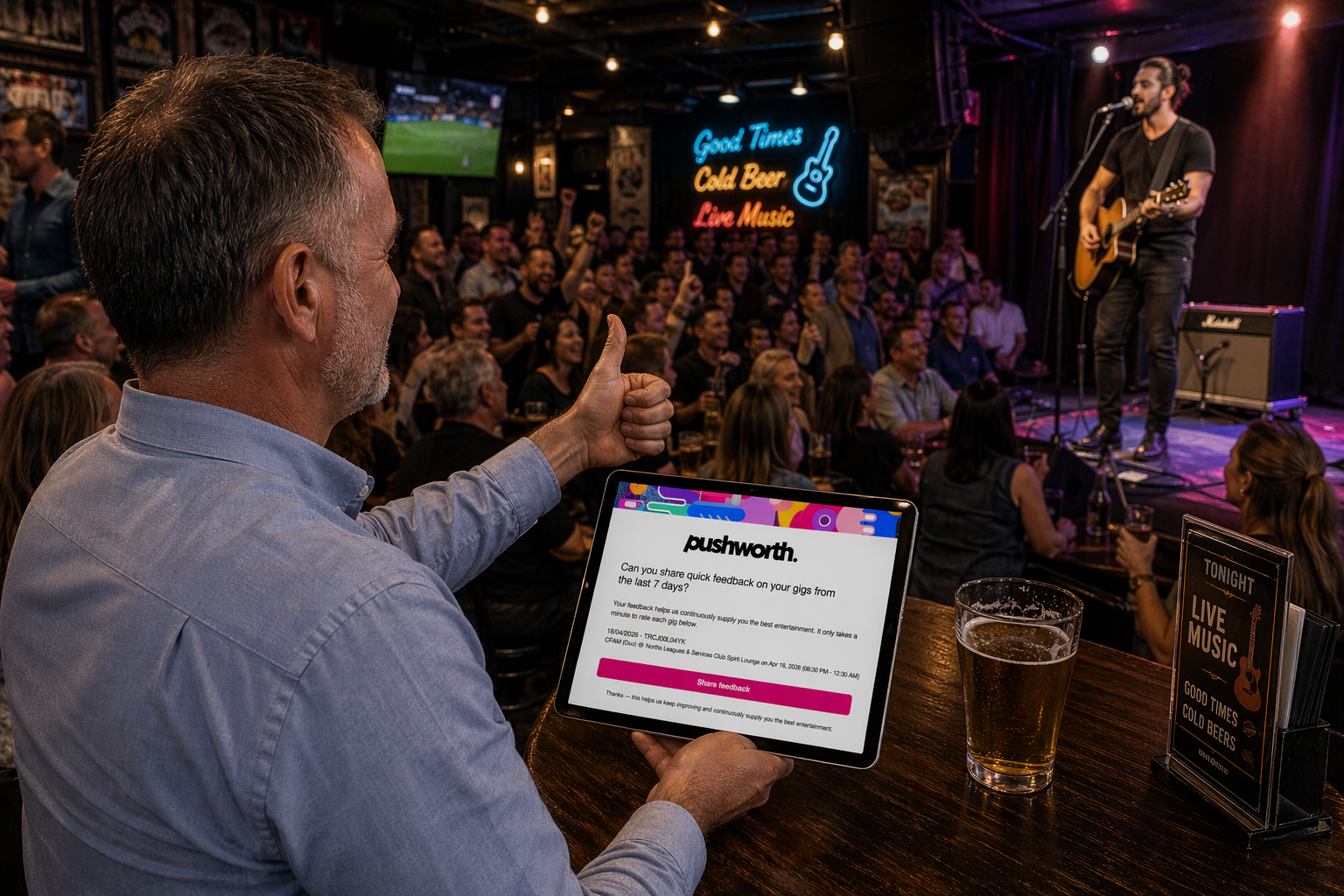
Following a performance, venue teams can provide feedback directly through Pushworth Live.
Your feedback helps Pushworth continually refine entertainment programs and match suitable artists to suitable venues.
Over time, this provides Pushworth with better operational intelligence about how entertainment is performing within each venue environment.
Pushworth Live brings booking, administration, marketing, reporting and entertainment oversight into one operating environment.
Manage entertainment activity across every performance area.
Track Pushworth and eligible direct entertainment bookings.
Maintain visibility over entertainment expenditure.
Nominate Pushworth to manage applicable SG administration.
Browse Pushworth suppliers and request entertainment.
Download programs and promotional assets.
Publish your Portal entertainment program to your website.
Provide post-performance feedback to Pushworth.
Maintain oversight across one venue or multiple locations.
If something isn't working, send our IT Support Team enough information to reproduce the issue.
Capture the page where the problem occurred.
Explain what you were attempting to do.
Include any error message displayed on screen.
Send the screenshot and information to our Portal Support team.
Our IT Support Team will investigate and contact you as soon as possible with a solution or progress update.