
Bookings + Calendars
View, manage and track live entertainment activity in one place.
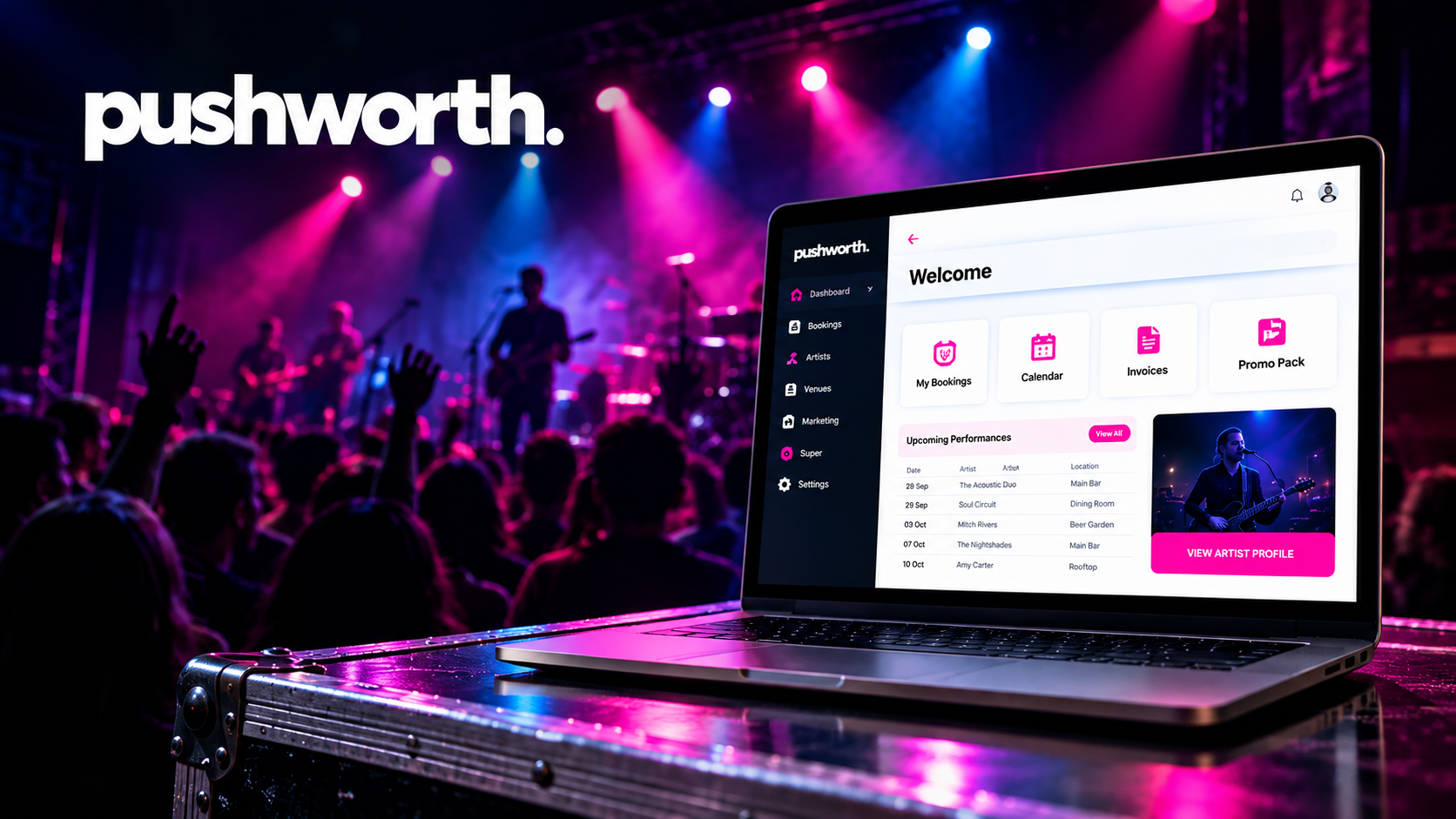
Pushworth Live is Pushworth’s custom-built booking and administration Portal for venues and artists.
It brings bookings, calendars, contracts, accounts, Superannuation administration, marketing tools, reporting and artist information together in one secure system.
View, manage and track live entertainment activity in one place.
Keep invoice and payment information connected to the booking.
Manage applicable SG administration through the Portal.
Keep promotional information, assets and What’s On content current.
Access operational information and downloadable reports.
Keep both sides of the booking connected through one operating system.
The Venue and Artist Guides explain each area of Pushworth Live step by step.
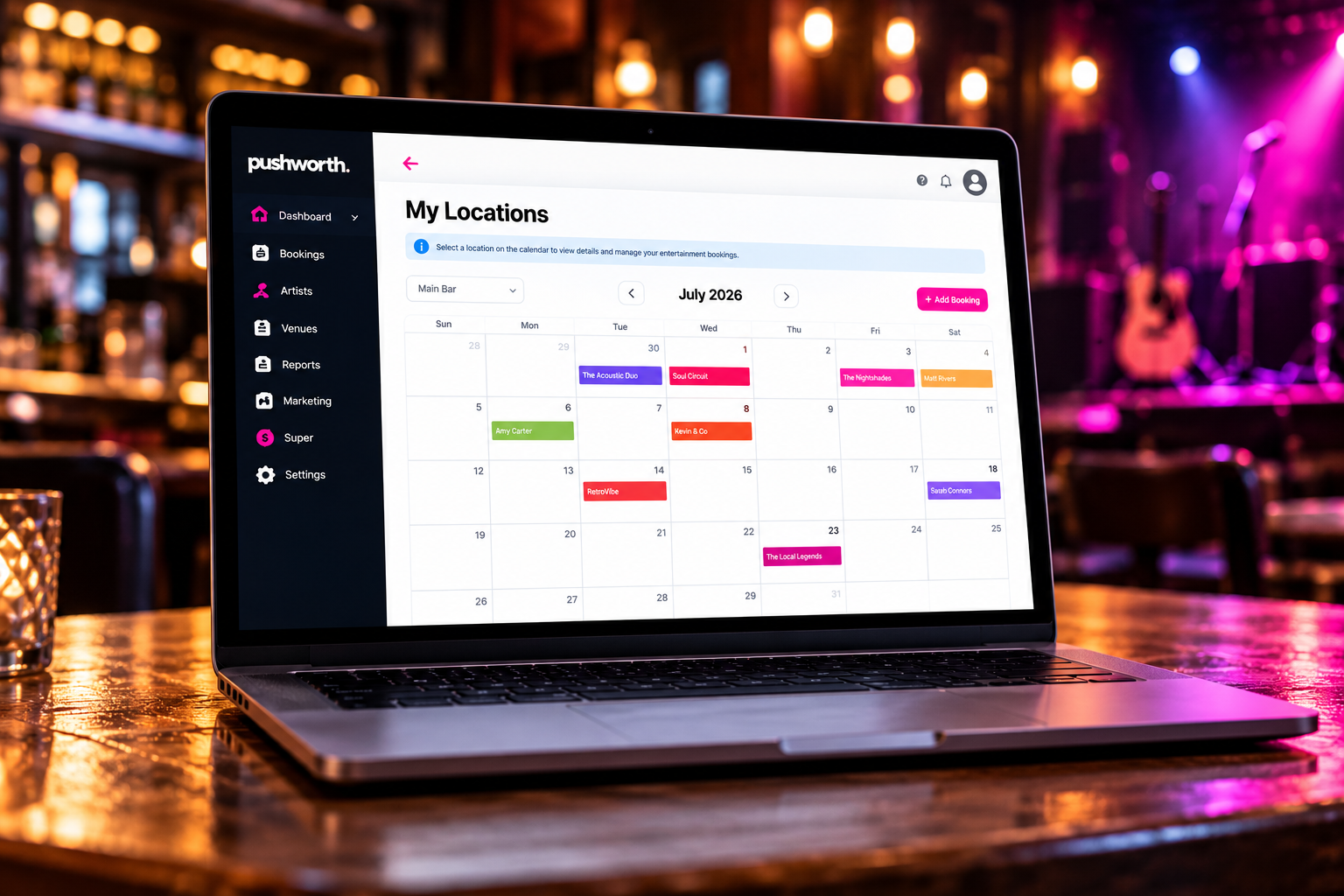
Manage venue locations, calendars, bookings, reporting, marketing tools, SG administration and artist requests.
VIEW VENUE PORTAL GUIDE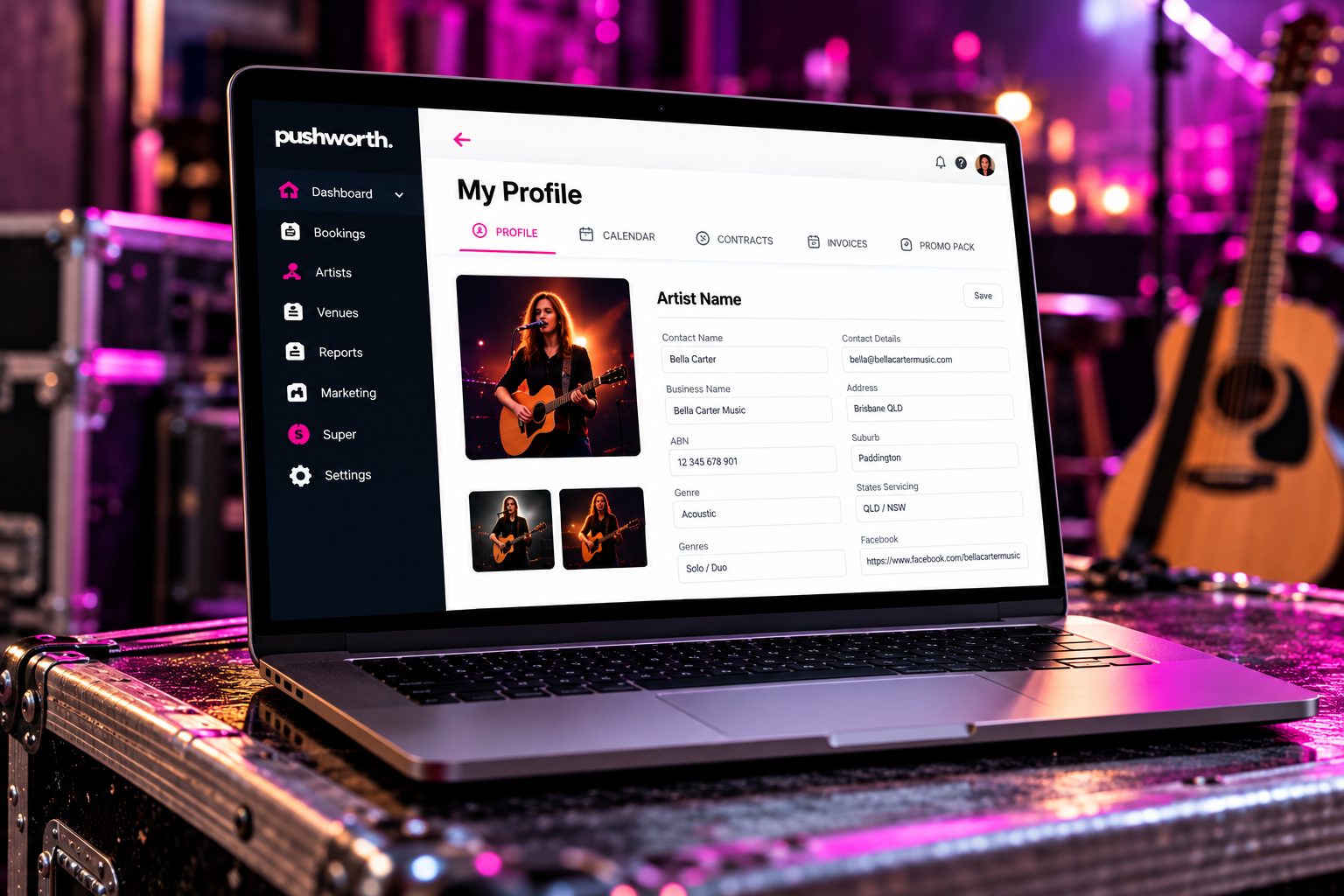
Manage bookings, contracts, availability, invoices, Superannuation details, promo assets, your Public Booking Link and Gig Guide.
VIEW ARTIST PORTAL GUIDELog in to Pushworth Live using your registered email address and Portal password.
If your invite has expired, your password is not working or you cannot access the Portal, contact Portal Support.
Give our IT Support Team enough information to reproduce the issue.
Read the relevant Artist or Venue Portal Guide first.
Confirm that you are following the instructions shown in the Guide.
Capture the page where the problem occurred.
Include the steps you took and any error message displayed on screen.
Our IT Support Team will investigate and respond as quickly as possible.

From booking to payment, Pushworth Live keeps everything LIVE connected, visible and manageable.
Pushworth Live — Where Music Means Business™